AI Dog Dance Generator — Free Web App (No Install)

AI Dog Dance Generator: Your Dog, Dancing on Video

Turn one dog photo into an AI dog dancing video in minutes. Free to try in your browser—no install. Download MP4 for TikTok and Reels, or a loopable GIF for chats.

See Examples

Popular searches: ai dog dancing · ai dog dance · ai dog dancing video generator · dog dancing ai

Free to TryNo App InstallMade for Dogs & PetsMP4 + GIF DownloadDance Templates
FollowingFor You
👶
+
328K
2.4K
18K
Share

@aidogdancingapp

My dog can dance now 😂🐶✨ Download MP4/GIF #aidogdancing #dogdance #aidog

Original Sound

AI Dog Dance Generator

Create Your Dog Dance Video or GIF

Upload a dog photo, choose a dance template, generate, then download a dancing dog video (MP4 or GIF) you can share instantly.

🕺

Select a Template

Choose a dance template to preview

1

Reference Image

Upload your own photo

🎁 Sign up and get 60 free credits

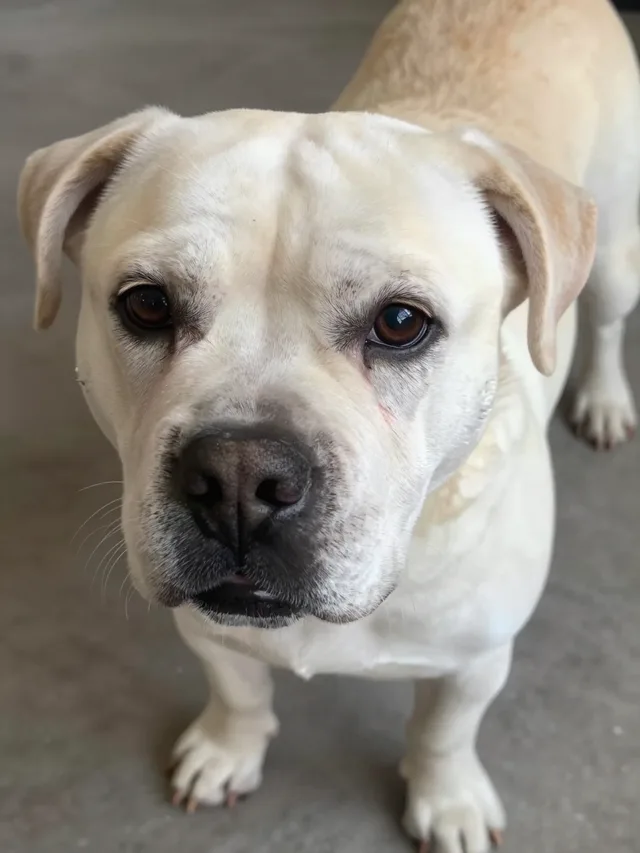
Good dog upload example: centered full bodyGood
Good dog upload example: centered clear pawsGood
Bad dog upload example: body croppedAvoid
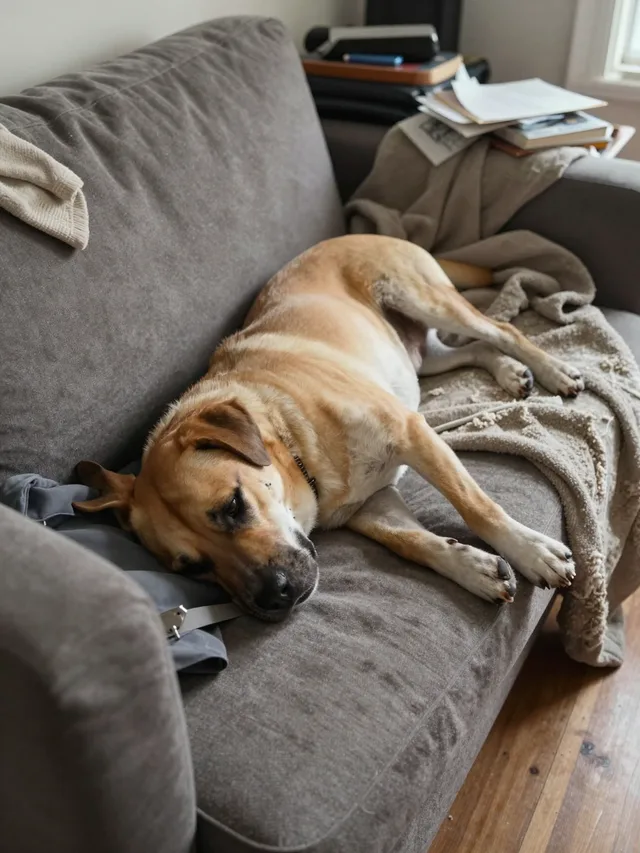
Bad dog upload example: dog lying downAvoid

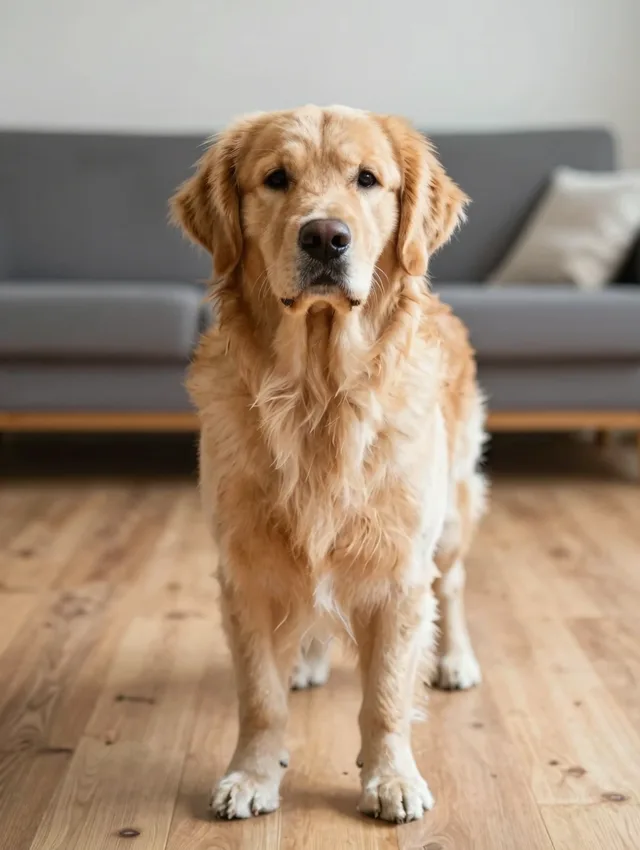
Best: centered dog, full body, front-facing, clear paws/legs, good lighting.

Avoid: head-only, lying down, hidden limbs, blur, tiny subject, messy background.

or use example
Example photos
2

Reference Video

Sign in now and get 60 free credits!

Examples

AI Dog Dance Examples

See the dances your dog can perform with the AI dog dance generator

💡 Tip: Use a front-facing, full-body dog photo for the smoothest dance moves

What is an "AI dog dance"?

What people mean by "ai dog dancing"

An AI dog dance is a short video of a dog dancing—made from a single still photo. People search for it after seeing viral dancing dog videos and wanting their own dog in one, not a stranger's pet.

AIDogDancing.app makes it easy:

  • Upload a clear dog photo (full body works best)
  • Choose a dance template, including the popular styles
  • Generate the dancing animation automatically
  • Download MP4 or GIF and share it anywhere

Dogs work with the same generator as cats and babies: if the photo is clear and your dog is easy to see, the AI can animate it—breed, color, and size do not matter.

How To Use

How to Make an AI Dog Dance Video

Follow these 4 simple steps to turn a dog photo into a dancing dog video.

1

Upload a Dog Photo

Choose a clear, well-lit photo of your dog. Full body visible and a simple background works best.

2

Choose a Dance Template

Pick a dance style—cute, hype, or celebration—from the template library.

3

Generate with AI

We animate your dog into a dancing video. It usually takes a few minutes—generate a couple of versions and keep the best one.

4

Download and Share

Export an MP4 for TikTok, Reels, and Shorts, or a loopable GIF for chats and comments.

Trends and Clips

Join the Dog Dance Trend

One photo of your dog, one trending dance, one video ready to post—plus a GIF version for chats.

Dancing Dog Videos, Starring Your Dog

Dancing dog videos are all over TikTok, Reels, and Shorts—people love seeing a familiar pet pull off a dance. Those dogs were animated from a single photo, which means your dog can join the same trend with the same moves.

  • - Pick the template that matches the dance you saw
  • - Front-facing, full-body dog photos animate the most cleanly
  • - Post with the trend's sound on TikTok or Reels for the best reach

MP4 for Feeds, GIF for Chats

Post the MP4 where video gets reach—TikTok, Instagram Reels, YouTube Shorts. Download the same generation as a looping GIF when you want a reaction for Discord, Telegram, WhatsApp, or group chats.

  • - MP4: TikTok, Reels, Shorts—sound on, full reach
  • - GIF: chats, comments, and meme replies—plays inline everywhere
  • - Both formats come from one generation, no extra credits

Want a loopable GIF for chats and comments instead? Make an AI dog dancing GIF →

Have a cat instead? Make your cat dance with AI →

Have a baby photo instead? Make your baby dance with AI →

Or give your pet a voice: Make your dog talk with AI →

Features

A web app built for "AI dog dancing"

made for dogs, free to try, ready to share

From one dog photo to a dancing dog video—no editing, no installs, just a clean workflow and downloadable results.

Free to Start

New accounts get 60 free credits, and a short 4-second dance at 720p costs 24 credits, so your first dog dance video is covered before you decide on a plan.

Web App—Nothing to Install

This is a web app that runs in your browser on Android, iPhone, and desktop. Nothing to install.

Dance Templates for Dogs

The template library covers cute sways, hype moves, and celebration dances—pick the style that fits your dog.

Your Own Dog, Any Breed

Any clear dog photo works—breed, color, and size do not matter. A front-facing, well-lit shot with your dog's full body visible gives the smoothest dance.

MP4 + GIF Download

Every generation can be downloaded as an MP4 video or as a seamlessly loopable GIF, so you can pick the format that fits where you want to share it.

Ready in a Few Minutes

Most generations finish in a few minutes. You pick a photo and a template, the AI animates the dance, and you can preview and download right away.

Use Cases

Built for trends, chats, and meme replies (not editing headaches)

People search "ai dog dancing" when they want their own dog in the viral videos—not a stranger's pet.

TikTok Dog Dance Trends

Dancing dog videos are all over TikTok—post your dog's dance with the trend's sound for the best reach.

Reels & Shorts Posts

Post the MP4 where video gets reach—Instagram Reels and YouTube Shorts, sound on, full reach.

Discord Reactions

Download the same generation as a looping GIF when you want a reaction for Discord—it plays inline everywhere.

Telegram & WhatsApp Chats

The same looping GIF works as a reaction in Telegram, WhatsApp, and group chats.

Group Chat Reactions

Export a loopable GIF for chats and comments—it plays inline everywhere.

Meme Replies

For chats, comments, and meme replies, the GIF version plays inline everywhere—your dog's dance becomes the reply.

FAQ

FAQ: AI Dog Dance Generator (Free Online)

Answers about making, downloading, and sharing AI dog dance videos—plus free use and photo tips.

1

How do I make my dog dance with AI?

Upload a clear photo of your dog, choose a dance template, click Generate, and download the dancing dog video as MP4 or GIF. The whole flow runs in your browser and takes a few minutes.

2

Is the AI dog dance generator free?

Yes—you can start free. New accounts get 60 free credits, and a short 4-second dance at 720p costs 24 credits, so your first dog dance video is covered before you decide on a plan.

3

Can I use a photo of my own dog?

Yes, that is the point of the tool: any clear dog photo works—a front-facing, well-lit shot with your dog's full body visible gives the smoothest dance. You can also try the built-in example photos first to see how it works.

4

What kind of dog photo works best?

Use a sharp, well-lit photo where your dog is fully visible and not blocked by furniture or other pets. Avoid heavy blur, very dark rooms, and extreme close-ups of just the face.

5

How long does a dog dance video take to make?

Most generations finish in a few minutes. You pick a photo and a template, the AI animates the dance, and you can preview and download right away.
6

Can I download a GIF of my dog dancing, not just a video?

Yes. Every generation can be downloaded as an MP4 video or as a seamlessly loopable GIF, so you can pick the format that fits where you want to share it.

7

What dances can my dog do?

The template library covers cute sways, hype moves, and celebration dances. Pick the template closest to the video you saw, and your dog performs the same moves.

8

Do I need to install an app to make a dog dance video?

No. This is a web app that runs in your browser on Android, iPhone, and desktop. Nothing to install.

Get Started

Create Your AI Dog Dance Now

Upload a dog photo and get a share-ready dancing dog video in minutes. No editing, no installs—just fast results.

Fast Generation Privacy First Ready in Minutes
Upload a Photo & Generate