AI Dog Dancing GIF Maker — Free Web App (No Install)

AI Dog Dancing GIF Maker: Photo to Dancing GIF

Turn one dog or cat photo into a loopable AI dog dancing GIF in minutes. Free to try in your browser—no install. Download a GIF for chats, Discord, and memes, or MP4 for TikTok and Reels.

See Examples

Popular searches: ai dog dancing gif · dog dancing gif · dancing dog gif maker · ai dog dance gif

Download Loopable GIFFree Preview in BrowserNo App InstallDogs, Cats & PetsMP4 Also Available
FollowingFor You
👶
+
328K
2.4K
18K
Share

@aidogdancingapp

My dog as a dancing GIF 😂🐶✨ Download GIF/MP4 #aidogdancing #doggif #petmemes

Original Sound

AI Dog Dancing GIF Maker

Create Your Dog Dancing GIF Video or GIF

Upload a dog or cat photo, choose a dance template, generate, then download a loopable GIF (or MP4) you can share instantly.

🕺

Select a Template

Choose a dance template to preview

1

Reference Image

Upload your own photo

🎁 Sign up and get 60 free credits

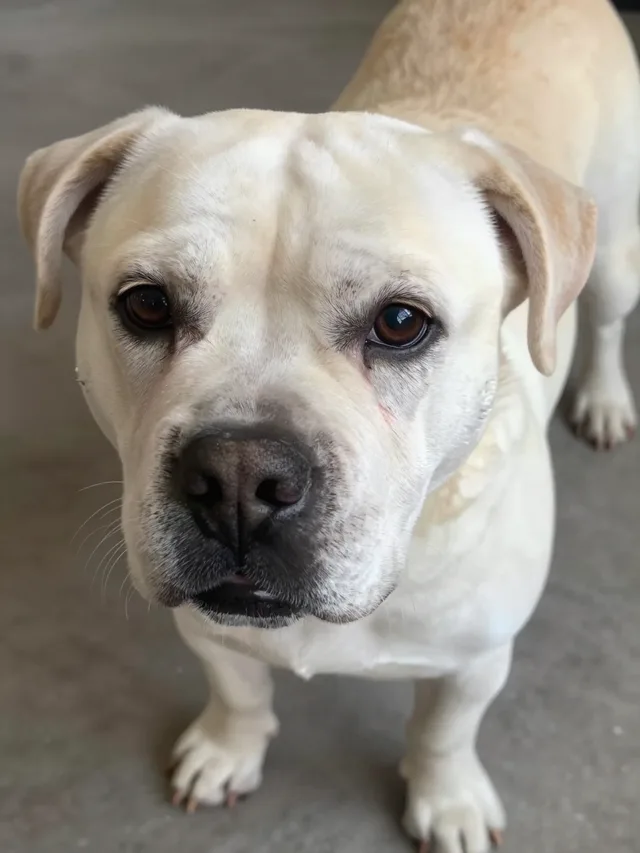
Good upload exampleGood
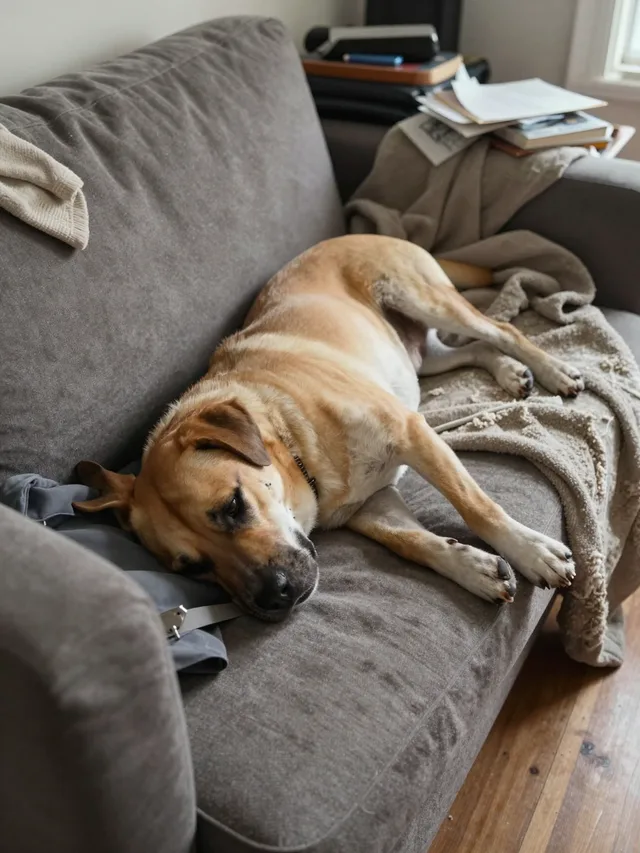
Avoid upload exampleAvoid

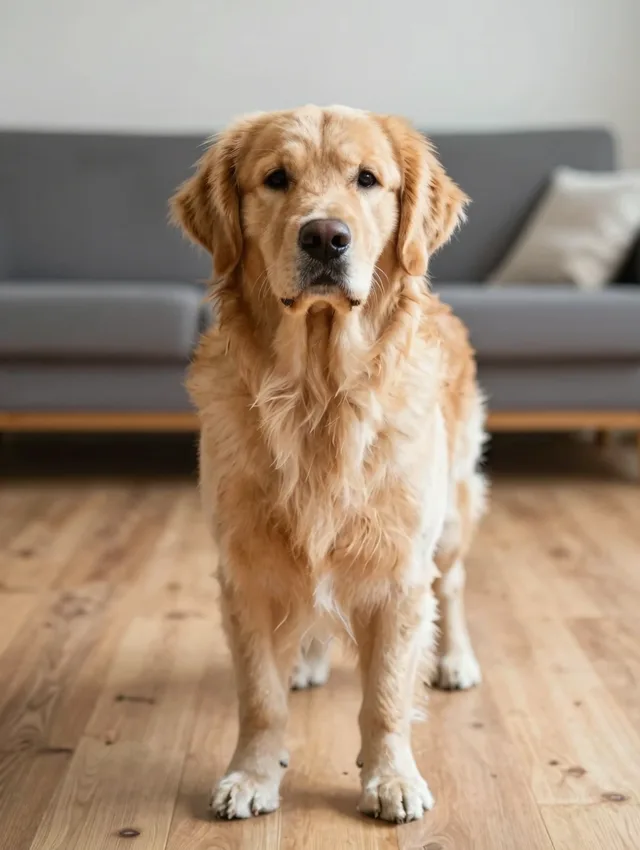
Best: centered dog, full body, front-facing, clear paws/legs, good lighting.

Avoid: head-only, lying down, hidden limbs, blur, tiny subject, messy background.

or use example
Example photos
2

Reference Video

Sign in now and get 60 free credits!

Examples

AI Dog Dancing GIF Examples

See the dances you can turn into loopable GIFs with the AI dog dancing generator

💡 Tip: Use a front-facing, well-lit pet photo for the smoothest GIF loop

What is an "AI dog dancing GIF"?

What people mean by "ai dog dancing gif"

An AI dog dancing GIF is a short, endlessly looping animation of a pet dancing—made from a single still photo. People search for it when they want a reaction GIF of their own dog, not a stock clip of someone else's.

AIDogDancing.app makes it easy:

  • Upload a clear dog or cat photo (full body works best)
  • Choose a dance template
  • Generate the dancing animation automatically
  • Download a loopable GIF and share it anywhere

The GIF export is built for sharing: it plays inline in chats and comments, loops without a play button, and keeps file sizes small enough for everyday messaging.

How To Use

How to Make an AI Dog Dancing GIF

Follow these 4 simple steps to turn a pet photo into a loopable dancing GIF.

1

Upload a Pet Photo

Choose a clear, well-lit photo of your dog or cat. Full body + simple background works best.

2

Choose a Dance Template

Pick a dance style—cute, hype, or celebration. Short templates loop best as GIFs.

3

Generate with AI

We animate your pet into a dancing clip. Generate a few variations and keep the smoothest one.

4

Download the GIF

Export a loopable GIF for chats and comments, or MP4 if you want to post it as a video.

Trends and Clips

Made for Chats, Memes, and Comments

One generation, two formats: a loopable GIF for conversations and an MP4 for video platforms.

Dog Dancing GIFs for Chats and Comments

A dog dancing GIF plays inline almost everywhere—Discord, Telegram, WhatsApp, X, and Reddit comments—no press-play needed, which is why the GIF format beats a video for reactions.

  • - Short loops get replayed—aim for a clean 3–6 second motion
  • - Centered pets and simple backgrounds loop more smoothly
  • - Generate 2–4 versions and keep the one with the cleanest loop point

GIF or MP4: Which Should You Download?

Choose GIF when you want an endlessly looping reaction for chats, comments, and memes. Choose MP4 when you are posting to TikTok, Reels, or Shorts, where video gets sound and better reach.

  • - GIF: chats, comments, forums, meme replies
  • - MP4: TikTok, Instagram Reels, YouTube Shorts
  • - You can download both from the same generation

Want an MP4 video for TikTok, Reels, or Shorts instead? Make an AI dog dancing video →

Have a cat instead? Make your cat dance with AI →

Or give your pet a voice: Make your dog talk with AI →

Quality Tips

Why your dancing GIF looks distorted and how to get a cleaner loop

Low light, blur, cluttered backgrounds, or occlusion are the usual causes of a distorted dancing GIF. A sharp, well-lit, full-body photo with a simple background gives the AI the cleanest subject to animate—then generate a few variations and keep the smoothest loop.

For the cleanest loop point: aim for a clean 3–6 second motion, keep the pet centered with a simple background, and generate 2–4 versions and keep the one with the cleanest loop point.

Features

A web app built for "AI dog dancing GIF"

loopable, shareable, free to try

From one photo to a looping dancing GIF—no editing tools, no installs, just a clean workflow and downloadable results.

Web App—Nothing to Install

This is a web app that runs in your browser on Android, iPhone, and desktop. Nothing to install.

Free to Start

New accounts get 60 free credits, enough to generate and preview your first dancing GIF before deciding on a plan.

Seamlessly Loopable GIFs

Every generation can be downloaded as a seamlessly loopable GIF that plays inline and replays on its own—no press-play needed.

GIF or MP4 from One Generation

You can download both from the same generation: a GIF for chats, comments, and memes, or an MP4 for TikTok, Reels, and Shorts.

Small Files for Messaging

The GIF export keeps file sizes small enough for everyday messaging, so your loop drops straight into chats and comments.

Dogs, Cats & Other Pets

The generator works with dogs, cats, and other pets—if the photo is clear and the pet is easy to see, the AI can animate it.

Use Cases

Built for chats, comments, and reactions (not editing headaches)

People search "ai dog dancing gif" when they want a reaction GIF of their own pet—not a stock clip of someone else's.

Group Chat Reactions

Send a looping GIF of your own dog in Discord, Telegram, or WhatsApp group chats—it plays inline, no press-play needed.

iMessage & Text Reactions

GIFs play inline in iMessage too, so your pet's dance works as a reaction in everyday texting.

X Posts and Replies

Post it or drop it in a reply: GIFs play inline in X posts and replies, anywhere a reaction GIF works.

Reddit Comments

Answer threads with a loop of your own pet instead of a stock clip—GIFs play inline in Reddit comments.

Forum Threads

Most forums play GIFs inline, so a dancing-pet loop works in forum replies and threads.

Meme Replies

GIF is the format for meme replies: short, endlessly looping, and straight to the joke.

FAQ

FAQ: AI Dog Dancing GIF Maker (Free Online)

Answers about making, downloading, and sharing loopable dog dancing GIFs—plus free use and photo tips.

1

How do I make an AI dog dancing GIF?

Upload a clear photo of your dog, choose a dance template, click Generate, then download the result as a loopable GIF. The whole flow runs in your browser and takes a few minutes.

2

Is the AI dog dancing GIF maker free?

Yes—you can start free. New accounts get 60 free credits, enough to generate and preview your first dancing GIF before deciding on a plan.

3

Can I download a loopable GIF, not just a video?

Yes. Every generation can be downloaded as a seamlessly loopable GIF or as an MP4 video, so you can pick the format that fits where you want to share it.

4

Where can I share a dog dancing GIF?

GIFs play inline in Discord, Telegram, WhatsApp, iMessage, X posts and replies, Reddit comments, and most forums—anywhere a reaction GIF works.

5

Do I need to install an app to make a dancing dog GIF?

No. This is a web app that runs in your browser on Android, iPhone, and desktop. Nothing to install.

6

Can I make a dancing GIF of my cat or another pet?

Yes. The generator works with dogs, cats, and other pets—if the photo is clear and the pet is easy to see, the AI can animate it.
7

What photo works best for a dancing GIF?

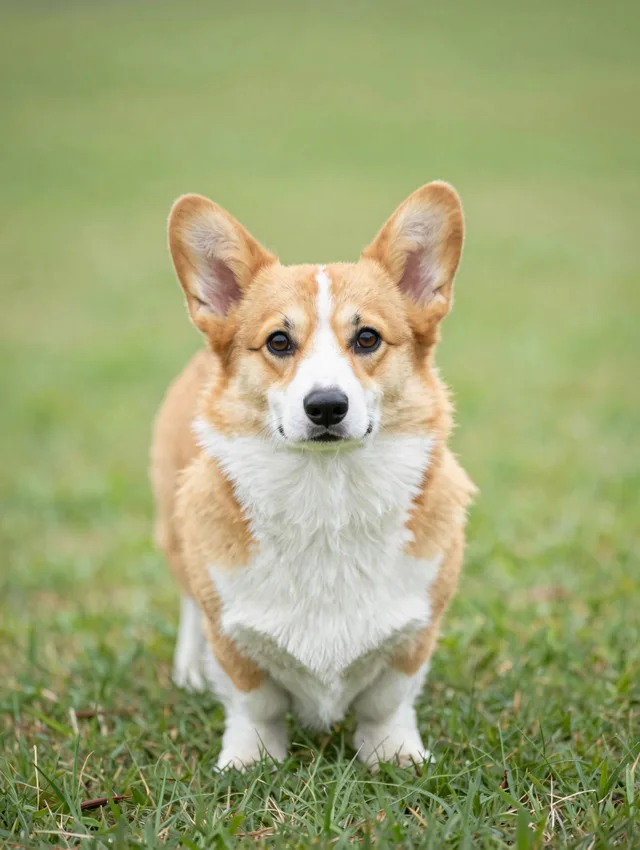
Use a sharp, well-lit, full-body photo with a simple background. Avoid blur, very dark photos, and anything covering the pet's body.

8

Why does my dancing GIF look distorted?

Low light, blur, cluttered backgrounds, or occlusion are the usual causes. Try a cleaner photo and generate a few variations, then keep the smoothest loop.

Get Started

Create Your AI Dog Dancing GIF Now

Upload a pet photo and get a share-ready dancing GIF in minutes. No editing, no installs—just fast results.

Fast Generation Privacy First Ready in Minutes
Upload a Photo & Generate